
Find the official channel
Locate a provider-controlled website or published payment destination and inspect the verification sources.
Independent directory · dataset 2026.08
Search 3,490 canonical provider records for official destinations and billing information, then inspect sources, research gaps, state comparisons, and downloadable data.
Search by provider name, city, service area, or state.
Search by provider name, city, service area, or state. Use the official provider link before entering account information.
What you can do here
Locate a provider-controlled website or published payment destination and inspect the verification sources.
Normalize billing days and units with the private usage and cost calculator.
See what was documented, what remains unconfirmed, and how a provider compares with the indexed sample.
Interactive directory data
Choose a view to see what US Water Bill Pay’s indexed records currently show for each state and the District of Columbia. Select a state to open its utility directory.
This measures details identified in this directory—not the quality, affordability, or availability of water service in a state.
Original directory research
Every percentage publishes its denominator and measures documentation coverage—not utility quality.
Explore all research73%
Usable online payment URL identified
2,562 of 3,490
15%
Fee or no-fee amount disclosed
529 of 3,490
35%
Leak-adjustment detail identified
1,233 of 3,490
31%
Utility assistance detail identified
1,079 of 3,490
34%
Emergency reporting route identified
1,172 of 3,490
34%
At least one shut-off detail identified
1,192 of 3,490
Consumer guides
National guidance for common questions, with official sources on every article. Your provider’s current instructions always come first.
Browse all water guides
Billing disputes
Turn a confusing high bill into a dated, reproducible evidence file with meter reads, calculations, repair records, and a precise requested outcome.
Read guide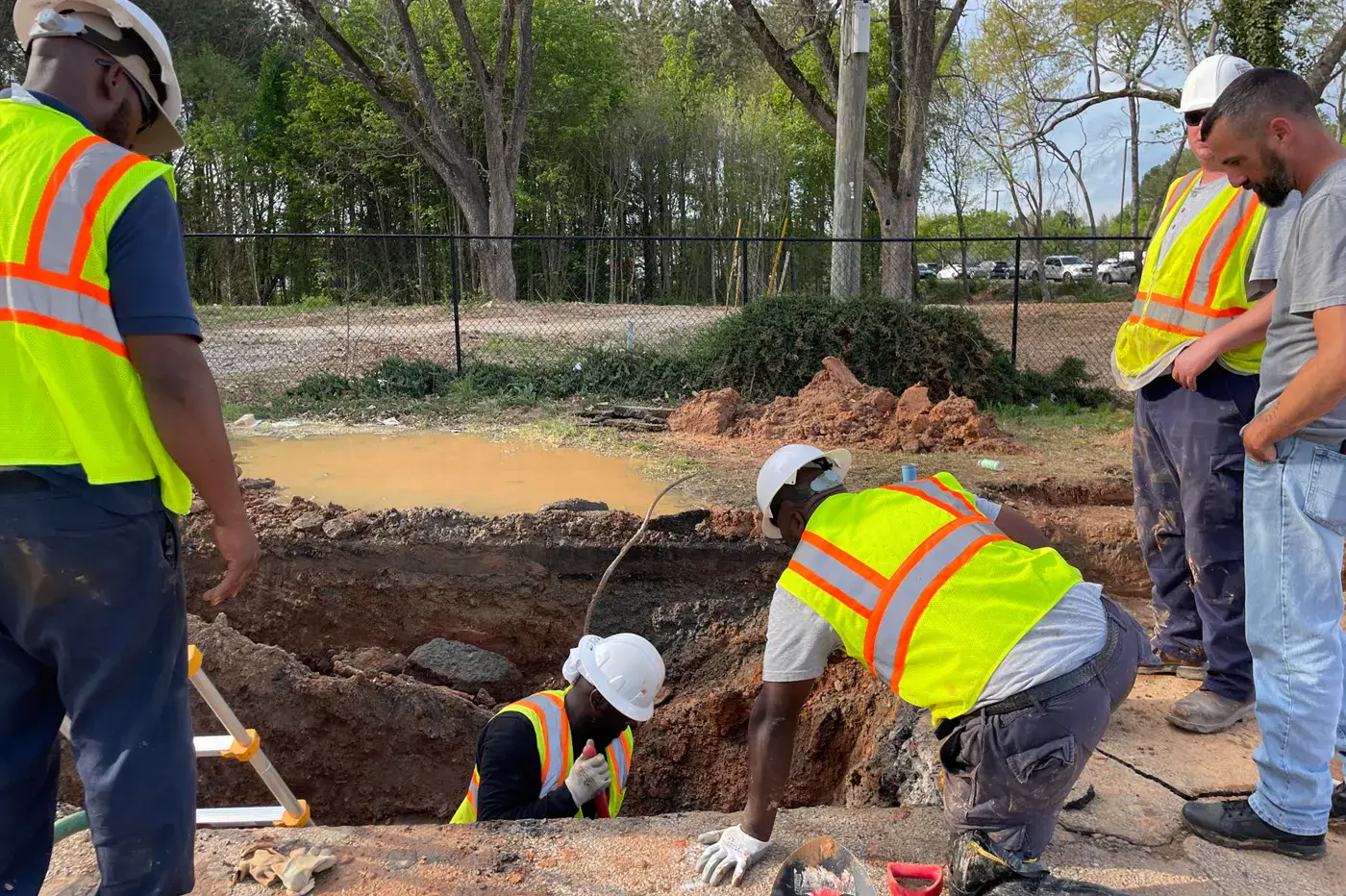
Infrastructure
Separate service-line material, ownership, repair responsibility, and lead-inventory status before planning work or assigning blame for a leak.
Read guide
Leaks & technology
Turn meter or flow-monitoring alerts into a practical household leak system without confusing a notification with a diagnosis or billing decision.
Read guide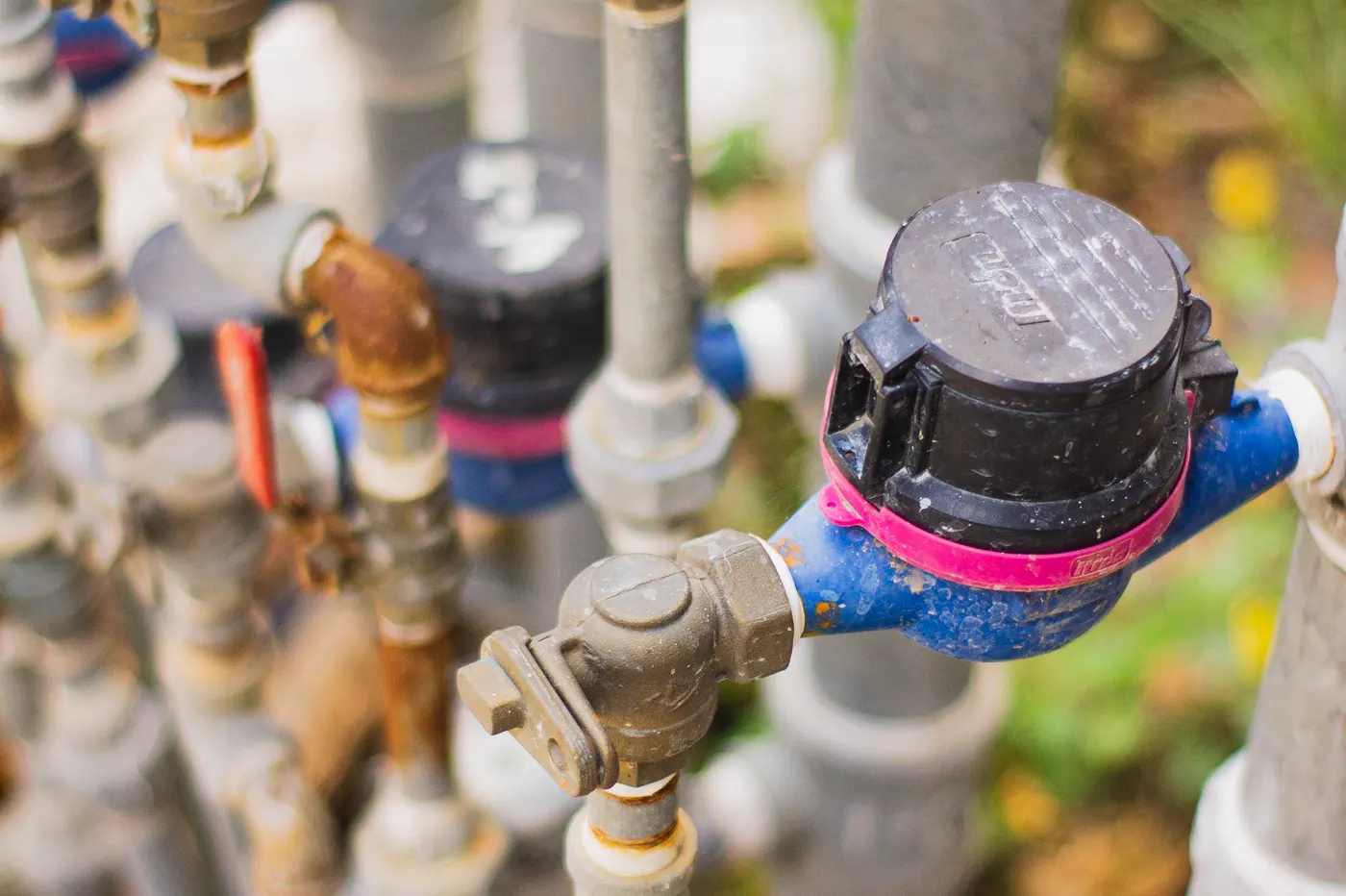
Meter readings
How an estimated meter reading can shift charges between bills, what to photograph, and how to question the result without missing a deadline.
Read guide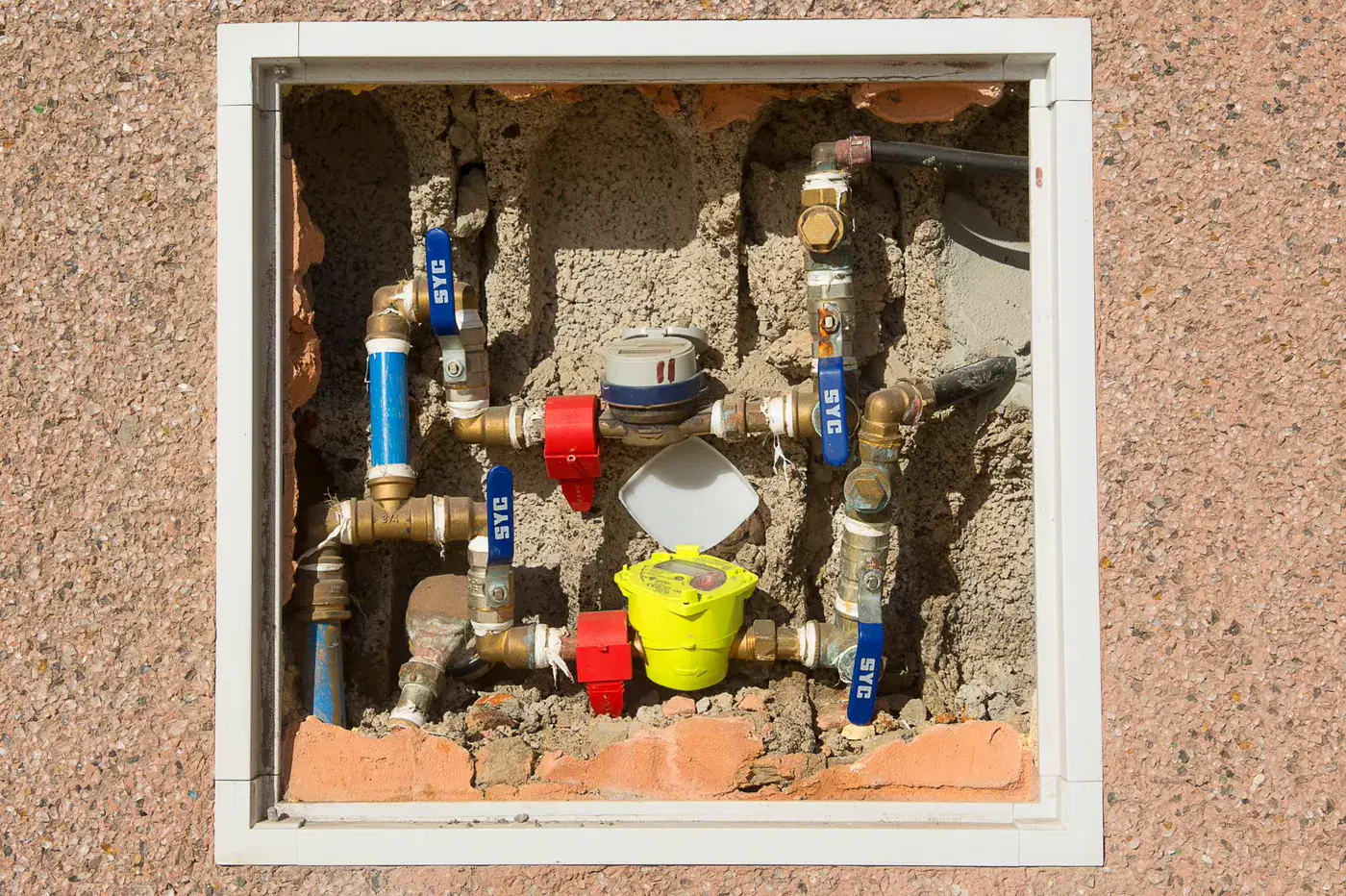
Understanding your bill
A careful explanation of winter averaging, sewer caps, fixed charges, and the questions to ask before assuming a high sewer charge is wrong.
Read guide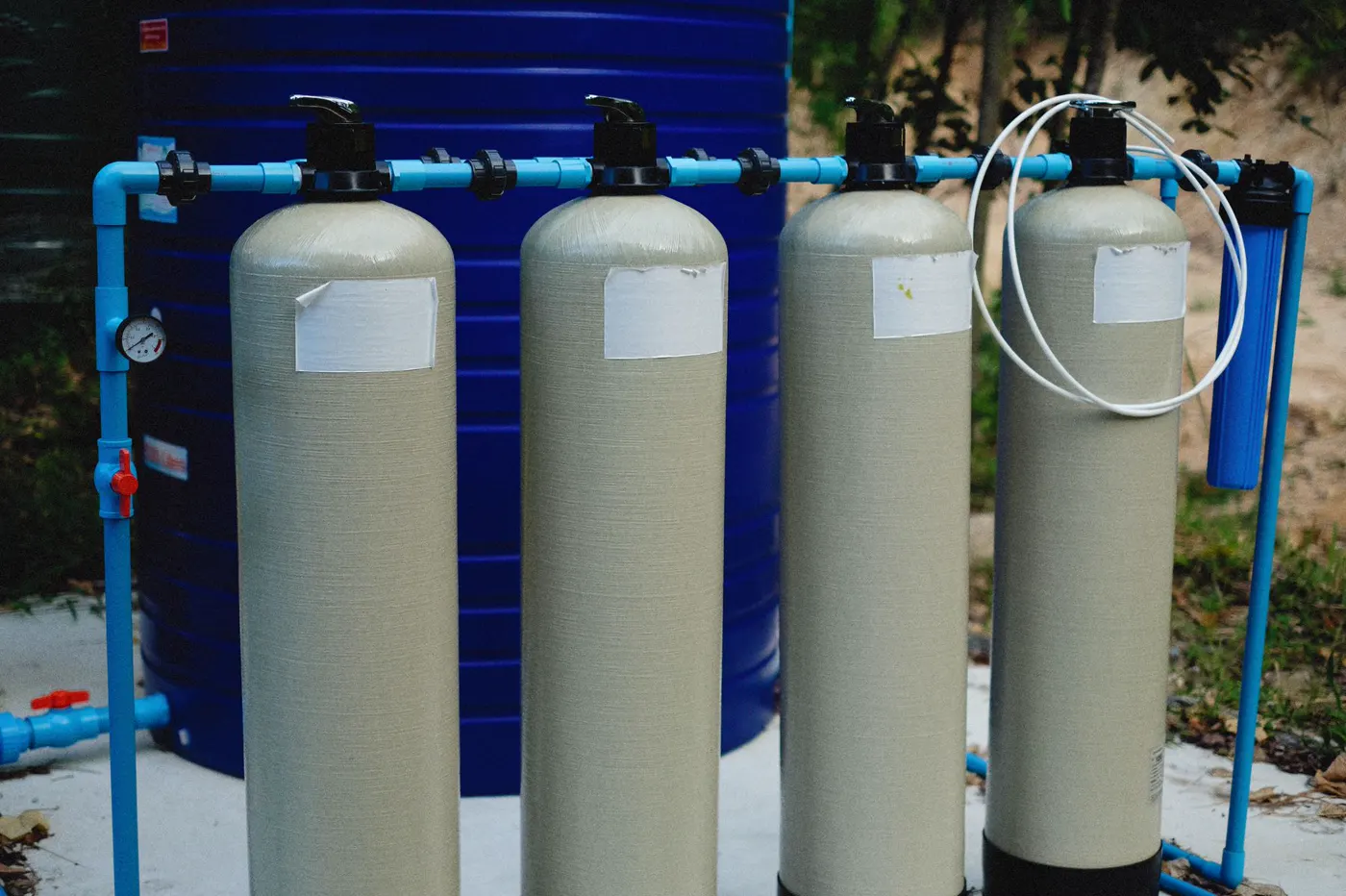
Directory research
Learn how to use a PWS ID to match a regulated water system, open federal records, and avoid confusing water-quality data with a billing account.
Read guideNationwide coverage map
Choose a state or district to see every indexed community water system and narrow your search by service area.
All 51 state and district hubs · 3,490 provider records
Municipal departments
2,314
Public authorities
859
Other systems
317
How to use the directory
Water billing is local. The provider’s own bill, tariff, payment portal, customer-service office, and published notices control the account. US Water Bill Pay helps you find those official destinations without making you search through a city website or guess which department handles a payment.
Each utility profile is organized around the questions people usually have under time pressure: where to pay, which payment methods are accepted, when a fee is added, what happens after a missed due date, how to report a leak, and whether a repair or assistance program may apply. If a detail was not publicly confirmed, the profile says so instead of filling the space with an assumption.
When a page links away from US Water Bill Pay, review the destination carefully. Confirm the utility name, service address, account number, due date, and final transaction amount before you submit anything. For an active main break, flooding, water-quality concern, or shut-off notice, contact the provider directly using the current number printed on the bill as well as the directory information shown here.
Read how US Water Bill Pay reviews and presents directory information.